

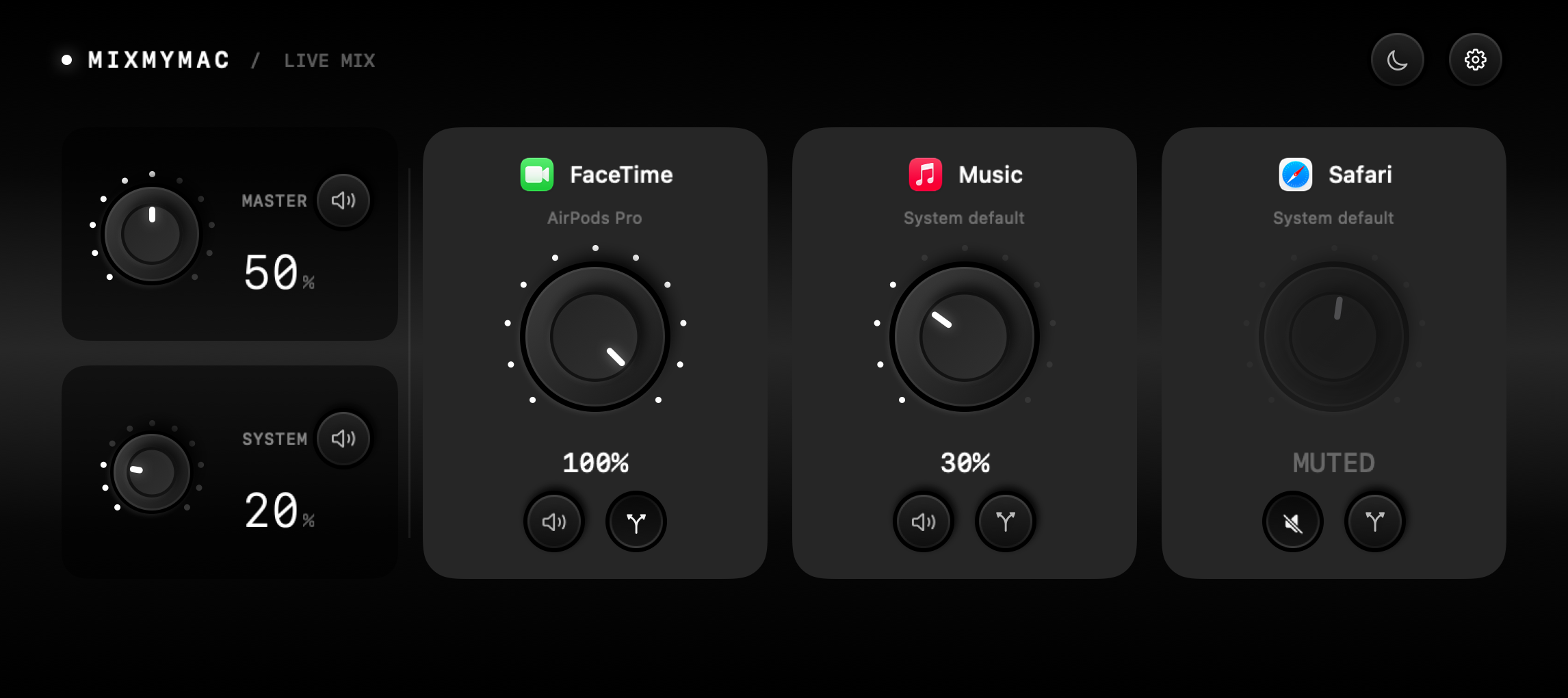

Find your balance.
Turn music down, keep calls up, or mute a single app. Each has its own volume.
 mixmymac.app
A volume dial for every app. In your notch or in a window.
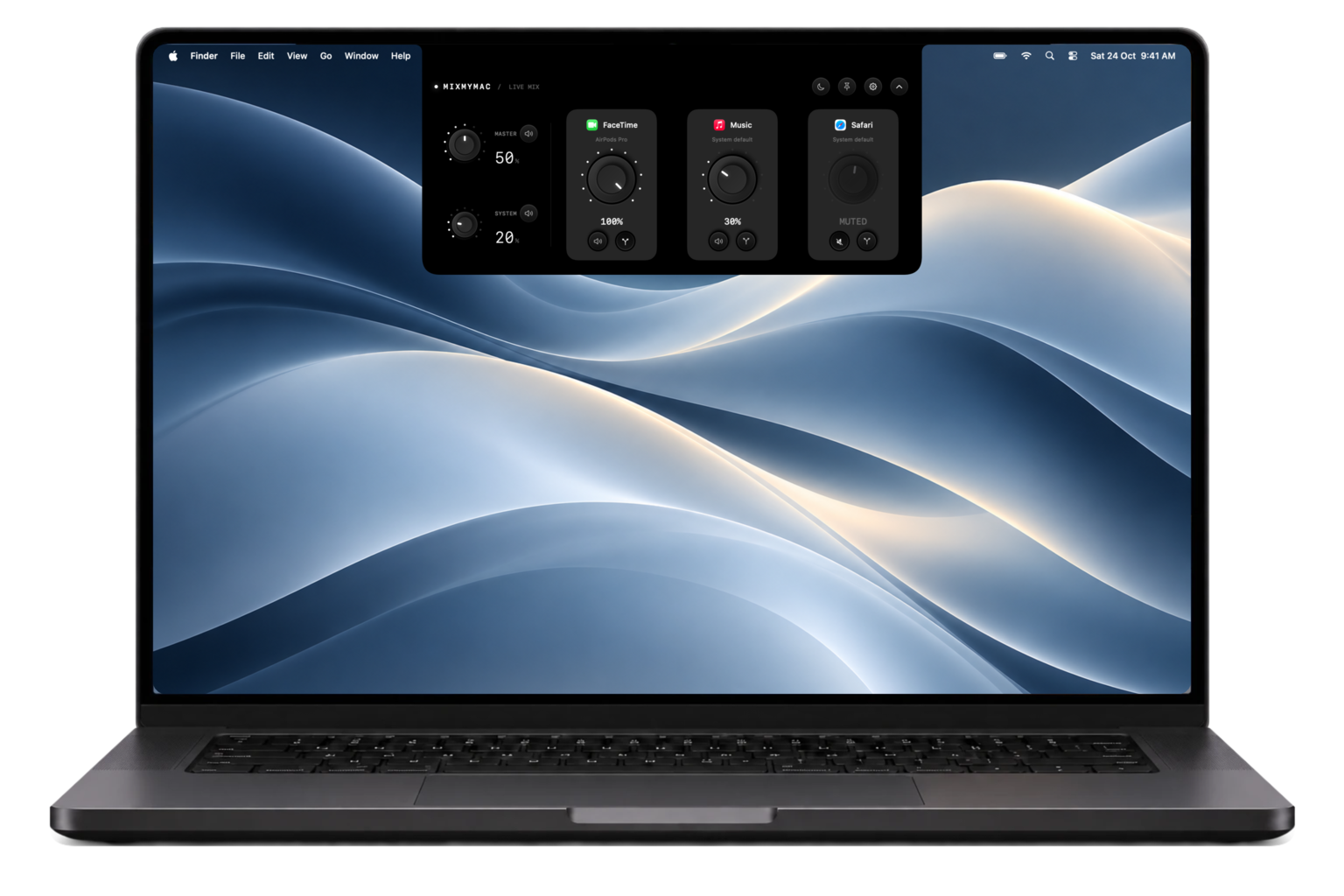
Turn music down, keep calls up, or mute a single app. Each has its own volume.

Calls in your headphones. Music on your speakers. Pick a separate output for each app.

Focus Mode lowers the other apps so you can hear the one you’re working in.
MixMyMac runs on macOS 26.5 or later, with or without a notch. Choose a regular window on any display, or use Notch mode at the top of your screen.
Yes. Choose Window in Settings → Preferences to hide the notch mixer and use a regular app window instead. Your volumes, outputs, and Focus Mode stay the same when you switch. Closing the window keeps your mix running.
iCloud keeps your app volumes, mute settings, System volume, and Focus preferences consistent across Macs. Output devices and other device-specific settings stay local. You can enable sync in Settings.
A compatible Force Touch trackpad gives you subtle feedback as you turn the dials. You can turn haptics off in Settings.
Join the free beta. We’ll email you when your invitation is ready.